UGreen NAS SSH certs
Today I was messing around with my UGreen NAS and wanted to be able to use SSH certs. By default enabling SSH uses password authentication. It looks like by default the UGreen NAS uses some permissions for the user directory that ssh does not like.
-
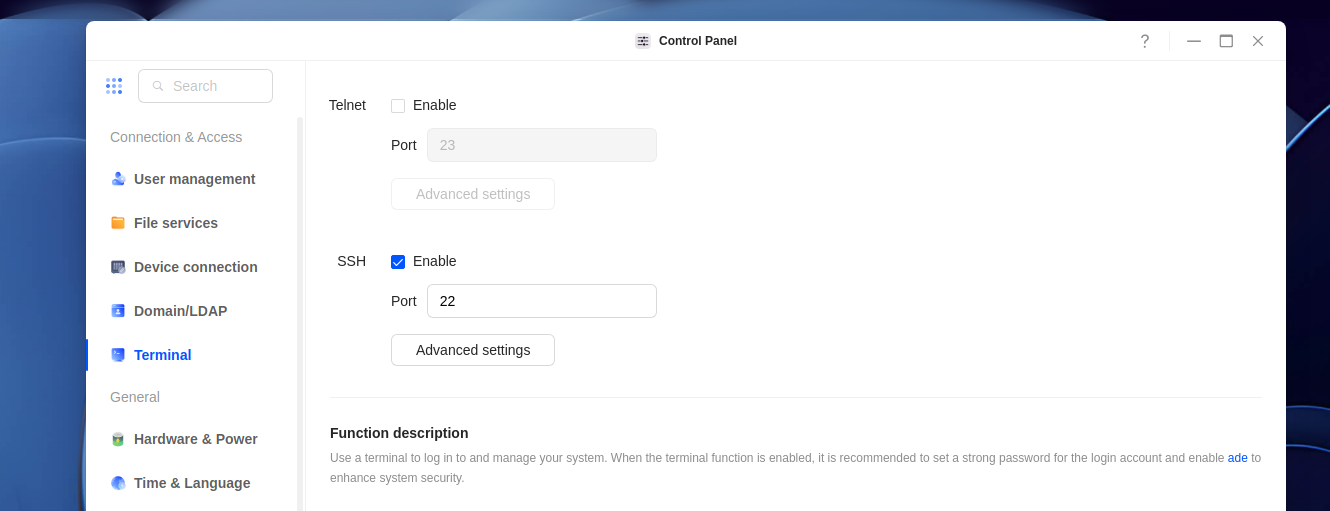
First, turn on SSH
-
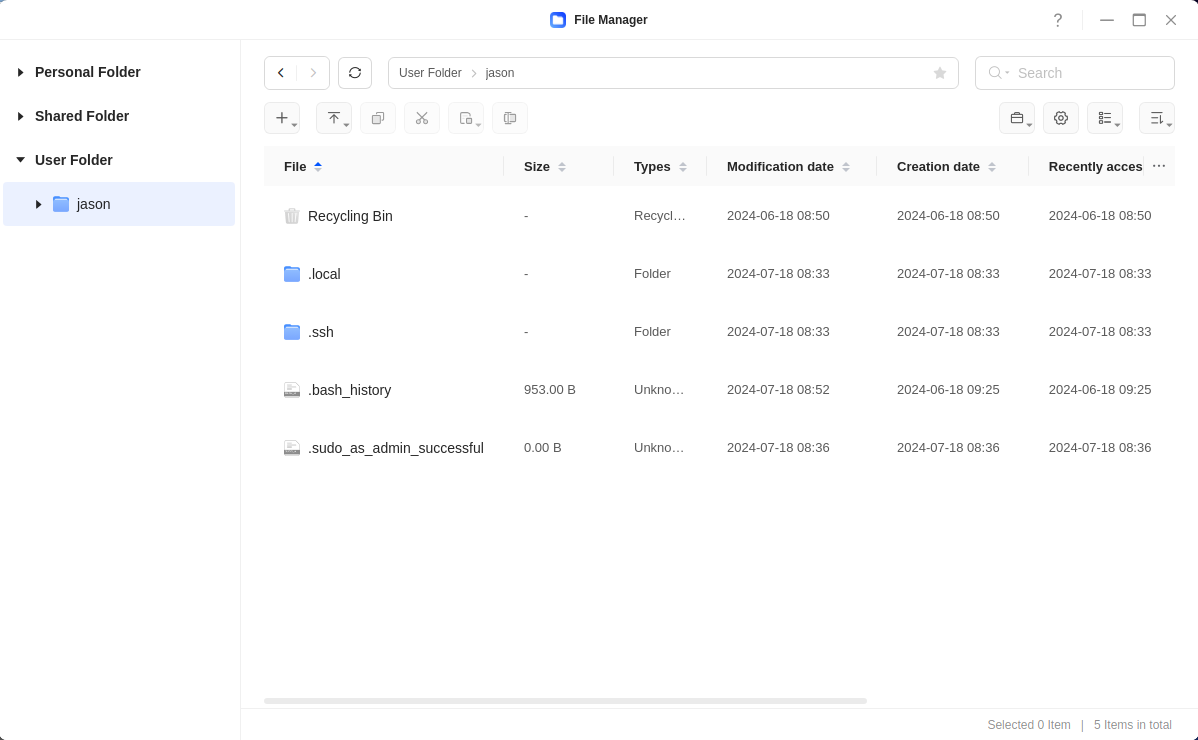
If you haven't already, make sure you have a user folder (this will make sure you have a home directory):
-
Use SSH to login to your NAS using your normal user password.
-
Create a
.sshdirectory in the home directory.mkdir .ssh -
Create an
authorized_keysfile in the.sshdirectory, and put the public keys of any keys you wish to have access to the nas inside of the file.nano authorized_keys. -
Adjust the permissions of the home directory:
chmod 751 /home/<your username> -
Adjust the permissions of the
.sshdirectorychmod 700 /home/<your username>/.ssh -
Adjust the permissions of the
authorized_keysfilechmod 600 /home/<your username>/.ssh/authorized_keys