Some Useful Information for Setting Up Subversion on Ubuntu
Not a tutorial or guide this time, since everyone else seems to have this covered quite well, but thought I’d collect a few good links together in one place. Hopefully these links will be useful to someone just starting with SVN. For everyone who isn’t using some type of version control, nows your chance!
Ubuntu tutorial for installation: http://danielabrantes.blogspot.com/2010/11/install-subversion-in-ubuntu-1010.html
Beginner HowTo (suited to WordPress plugin devs, but still good to apply to your own setup): http://codex.wordpress.org/Using_Subversion http://wordpress.org/extend/plugins/about/svn/
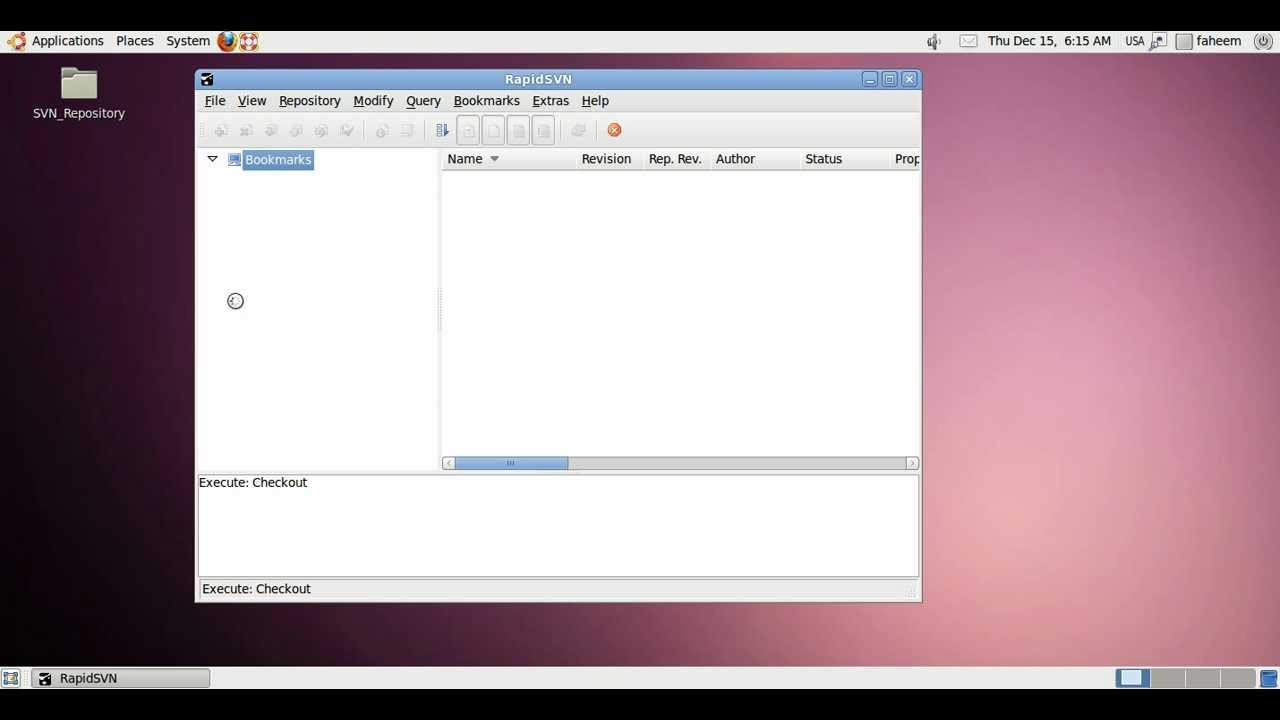
Multi-platform SVN client – RapidSVN: I found this client especially useful since it works across platforms and it is lightweight and quick. http://rapidsvn.tigris.org/
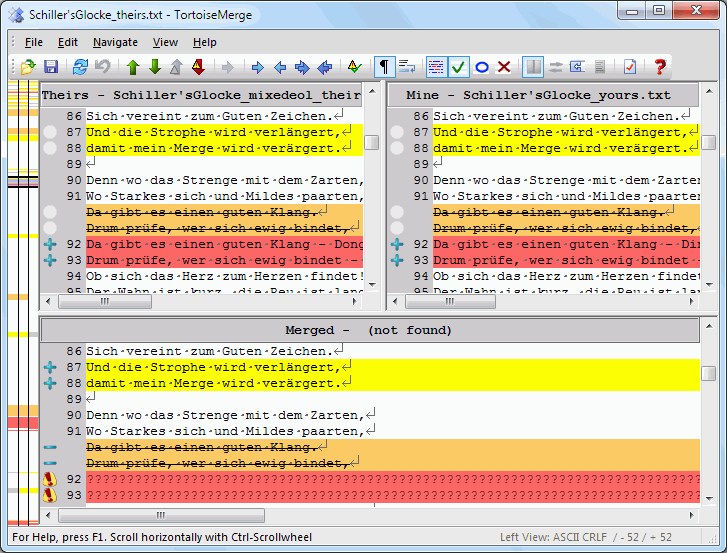
Popular Windows SVN client – TortoiseSVN: This client is useful if you like tight integration with Windows. It shows up in the context menus and is very easy to work with. http://tortoisesvn.tigris.org/
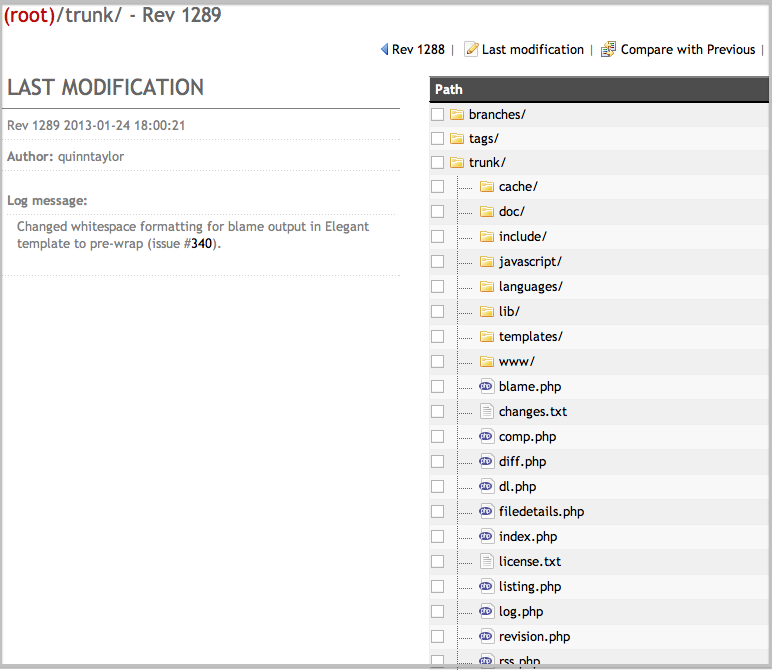
WebSVN: A more refined web interface to svn, compared with the one provided using the initial setup. http://agilior.pt/blogs/pedro.rainho/archive/2010/02/06/11698.aspx
SVN on Hostmonster (or other hosts with blocked svn port, but SSH access): http://hostmonsterforum.com/showthread.php?1294-Subversion